Quote details arrive incomplete
Photos, measurements, addresses, drawings, and customer expectations are spread across texts, calls, emails, and notebooks.
Construction and trade teams lose time between calls, site photos, supplier notes, estimates, crews, and customer follow-up. Auvant builds the workflow layer that keeps jobs moving without forcing every crew member into a generic tool.
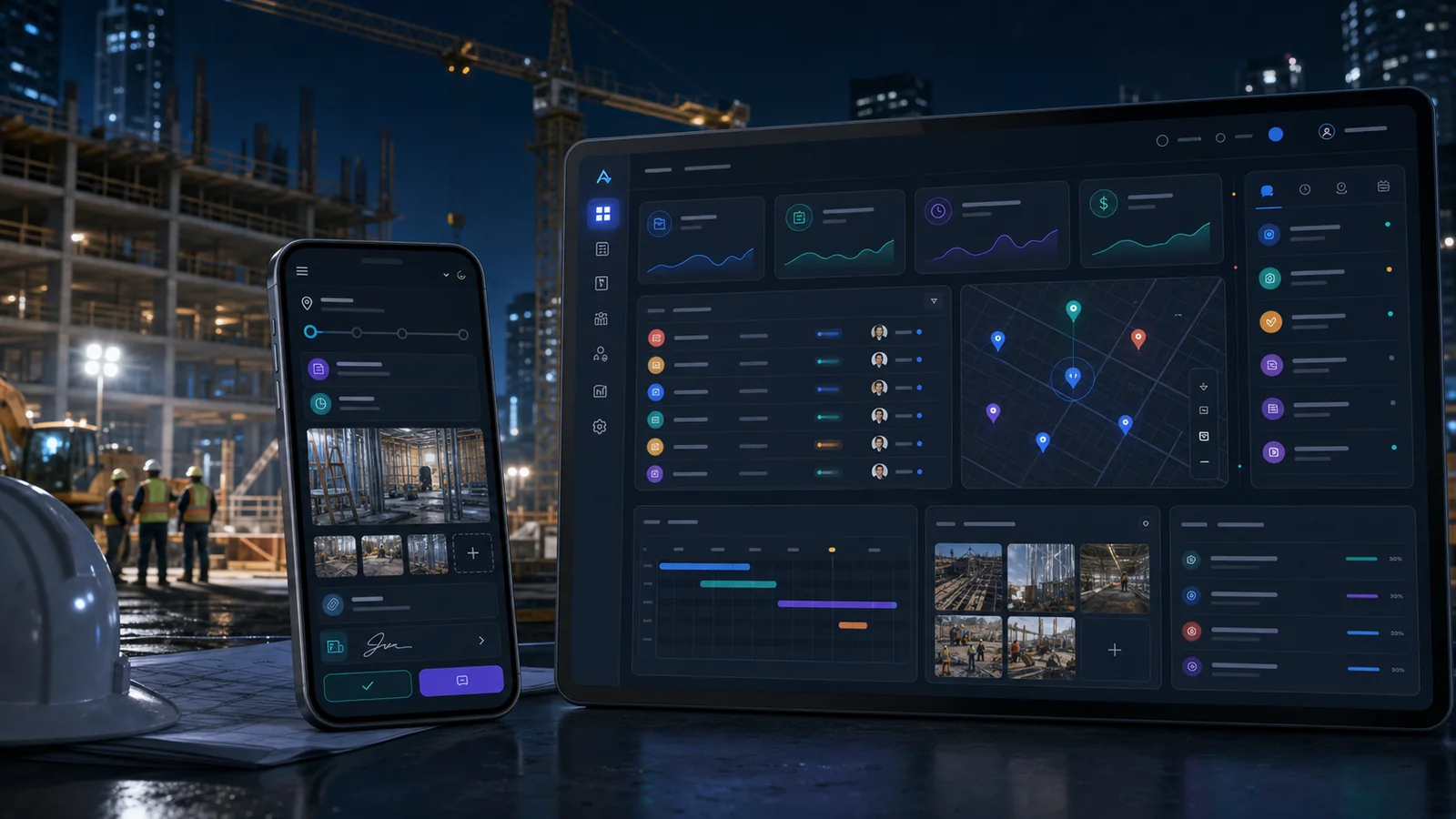
Auvant looks for repeatable work that is valuable enough to improve, but controlled enough to pilot safely.
Photos, measurements, addresses, drawings, and customer expectations are spread across texts, calls, emails, and notebooks.
Dispatch changes, access notes, materials, and customer updates are hard to keep synchronized between office and field.
Open estimates, change orders, unpaid extras, and warranty items depend on someone remembering the next step.
Managers see work happening, but not always which jobs are delayed, missing documents, or at risk of profit loss.
Information is copied, chased, summarized, or remembered across disconnected tools.
A form or assistant captures scope, address, photos, preferred timing, and budget signals, then prepares a clean estimate packet for review.
Information is copied, chased, summarized, or remembered across disconnected tools.
Crew notes, completion photos, blockers, and customer approvals flow into a job timeline with alerts for office staff.
Information is copied, chased, summarized, or remembered across disconnected tools.
Potential extras are captured, priced, approved, and tracked before work continues beyond the original scope.
Information is copied, chased, summarized, or remembered across disconnected tools.
The system prepares review requests, maintenance reminders, warranty notes, and invoice nudges while keeping human approval in place.
The useful pattern is not one generic chatbot. It is a small set of agents with narrow jobs, clear inputs, and human review where risk matters.
Try the AI Agent Lab →Turns messy inbound requests into structured job cards with missing-info questions.
Summarizes scope, photos, notes, and prior templates so a human can price faster.
Flags scheduling conflicts, missing materials, access issues, and weather-sensitive work.
Prepares customer updates, quote reminders, change-order nudges, and review requests.
A pipeline for new jobs, estimates, follow-ups, site visits, and lost opportunities.
A daily view of assigned work, blockers, photos, notes, and completion proof.
A simple place for clients to upload photos, view status, approve extras, and see next steps.
Flags jobs with missing approvals, slow invoices, repeated visits, or unusual change activity.
Start with renovations, service calls, landscaping installs, or another repeatable work stream.
Identify what must be captured before estimating, scheduling, dispatch, and billing.
Create a clickable owner and dispatcher view before building the full system.
Use AI to prepare and flag work, while quotes, commitments, and messages remain reviewed.
Auvant positions AI as an operational assistant, not a black box that makes important decisions without people.
AI can prepare estimate context, but humans approve prices, scope, exclusions, and commitments.
Photos, notes, approvals, and customer communications stay tied to the job record.
Crew, office, owner, and subcontractor views can be separated by role.
Sometimes, but it does not have to. The first version can connect intake, job tracking, and follow-up around the tools you already use.
Yes. The workflows should be designed mobile-first for photos, notes, status updates, and simple approvals.
The safer first step is AI-prepared drafts with human approval. Fully automated messages can come later only for low-risk updates.
Start with a focused automation audit or a short pilot discussion. The goal is to find one workflow worth improving, prove it, then expand only where it pays off.